
Choosing the right web hosting company can feel confusing when you’re creating your first website.
You may have seen names such as Hostinger and Bluehost everywhere online. Both companies offer WordPress hosting, website-building tools, security features, domain services, customer support, and options for businesses and bloggers.
But which one is actually better?
Should you choose Hostinger or Bluehost for your first website?
The answer depends on what you’re building, how much you’re willing to spend, how easy you want the setup to be, and what features matter most to you.
In this guide, we’ll compare Hostinger vs Bluehost in detail, including pricing, WordPress hosting, performance, security, ease of use, customer support, website migration, AI tools, backups, and scalability.
By the end, you’ll have a much clearer idea of which hosting provider could be the right choice for your website.
Hostinger vs Bluehost: Quick Comparison
| Feature | Hostinger | Bluehost |
|---|---|---|
| Best for | Beginners, creators and small businesses | Beginners, WordPress users and growing websites |
| WordPress hosting | Yes | Yes |
| Free domain | Available on eligible plans | Available on eligible plans |
| Free SSL | Yes | Yes |
| Website migration | Available | Available |
| AI website tools | Yes | Yes |
| Backups | Available; frequency depends on plan | Available; frequency depends on plan |
| CDN | Available on eligible plans | Included with current WordPress plans |
| 24/7 support | Yes | Yes |
| Money-back guarantee | 30 days | 30 days |
| Beginner friendly | ⭐⭐⭐⭐⭐ | ⭐⭐⭐⭐⭐ |
| WordPress focus | ⭐⭐⭐⭐⭐ | ⭐⭐⭐⭐⭐ |
Important: Hosting features, promotional prices, renewal prices and plan limits can change. Always check the provider’s current plan before purchasing.
What Is Web Hosting?
Before comparing Hostinger and Bluehost, it’s important to understand what web hosting actually is.
When you create a website, your website files need somewhere to live.
Web hosting provides the server infrastructure that stores your website’s files and makes them accessible to people through the internet.
Think of it this way:
Domain = your website’s address
Hosting = the space where your website lives
WordPress = the software you use to build and manage your website
For example, if you create a website called Digital Success Hub, your domain might be:
digitalsuccesshub.com
Your hosting provider stores the website files that make that website work.
What Is Hostinger?
Hostinger is a global web hosting company offering hosting for WordPress, websites, online stores, applications and other projects.
The company focuses heavily on making website hosting accessible to beginners while also providing tools for more experienced users.
Hostinger currently offers features including WordPress hosting, AI tools, website-building tools, SSL certificates, backups, CDN services, migration tools and 24/7 support. Its WordPress hosting is also listed among the recommended hosts on WordPress.org.
One of Hostinger’s biggest strengths is its focus on simplicity and value.
For someone who has never created a website before, the ability to manage hosting, domains, WordPress and other website settings from one dashboard can make the learning process easier.
What Is Bluehost?
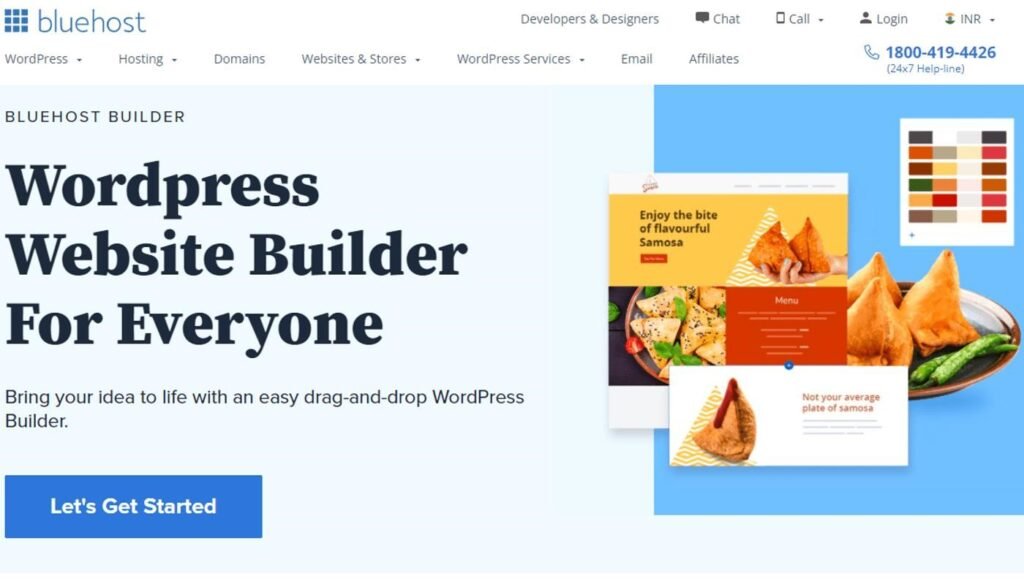
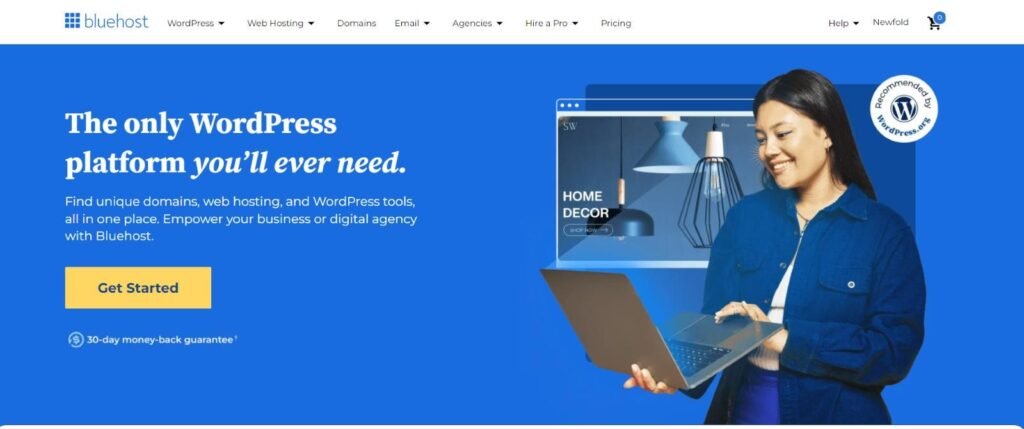
Bluehost is one of the longest-running WordPress-recommended hosting providers.
WordPress.org currently lists Bluehost as its longest-running recommended host, highlighting features such as WordPress installation, an AI site builder, free domain registration, email, SSL, CDN and 24/7 support.
Bluehost has built a particularly strong reputation around WordPress hosting.
Its current WordPress hosting offering includes features such as:
- WordPress installation and management
- AI website creation tools
- Free SSL
- Free domain for the first year on eligible plans
- Site migration tools
- CDN
- Managed WordPress updates
- Security features
- Backups
- 24/7 support
Bluehost also offers more advanced hosting options for websites that grow beyond basic shared hosting.
Hostinger vs Bluehost: Which Is Better?
This is where things get interesting.
Both are strong options, but they have slightly different strengths.
Hostinger is excellent for:
- Beginners
- Bloggers
- Small businesses
- Freelancers
- Personal websites
- New WordPress websites
- People looking for affordable hosting
- People who want AI-powered website tools
Bluehost is excellent for:
- WordPress beginners
- Bloggers
- Business websites
- Growing websites
- WooCommerce users
- People who want strong WordPress-focused support
- Users who want an established WordPress hosting brand
So there isn’t one universal winner.
The best hosting company depends on your specific website.
Hostinger vs Bluehost Pricing
Price is one of the biggest reasons people compare these two companies.
Both Hostinger and Bluehost advertise introductory promotional prices, but you should look beyond the initial price.
Why?
Because hosting companies commonly offer discounted introductory rates for longer initial terms, while renewal prices can be higher.
For example, Hostinger currently displays promotional WordPress hosting prices starting from a low monthly rate, but the renewal price is higher. Bluehost similarly displays introductory pricing and separate renewal pricing.
Don’t make your decision based only on the headline price.
Before buying hosting, check:
- Initial subscription price
- Renewal price
- Subscription length
- Number of websites allowed
- Storage
- Backup frequency
- Email accounts
- CDN availability
- Migration options
- SSL
- Support
- Domain renewal cost
A hosting package that appears cheaper today isn’t necessarily cheaper over several years.
Hostinger vs Bluehost for WordPress
If you’re planning to build a WordPress website, both companies are strong candidates.
WordPress.org currently includes both Hostinger and Bluehost among its recommended hosting providers.
Hostinger for WordPress
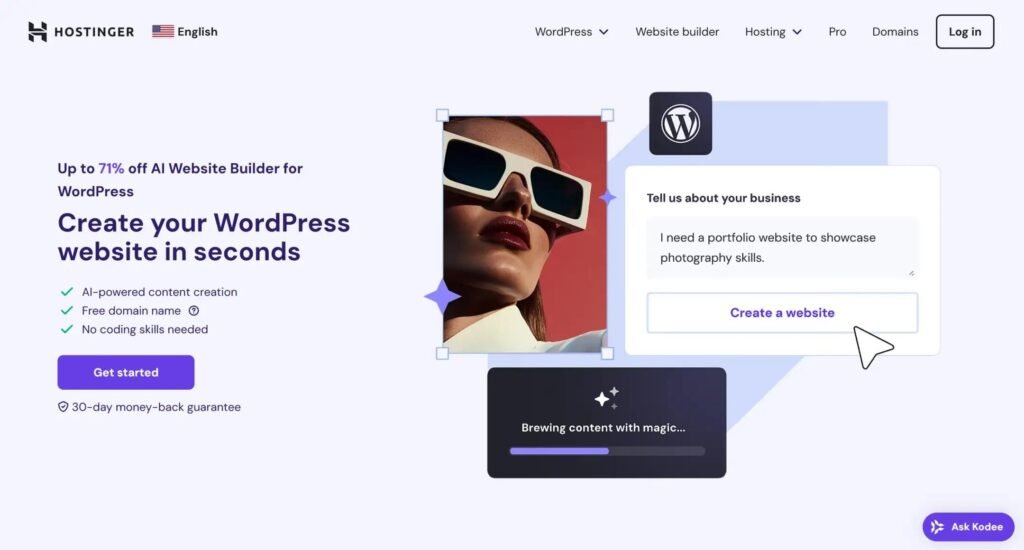
Hostinger provides WordPress-focused hosting with features such as:
- WordPress installation
- Automatic updates
- LiteSpeed-based infrastructure
- Caching
- Website migration
- Backups
- SSL
- AI tools
- Staging on eligible plans
- Developer tools
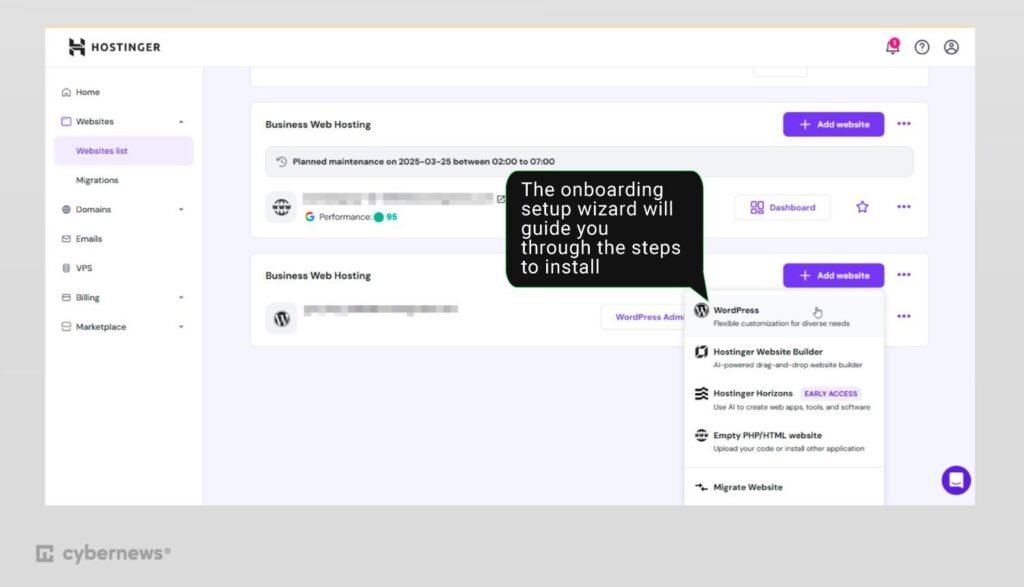
Hostinger also provides its own control panel, called hPanel, designed to simplify website management.
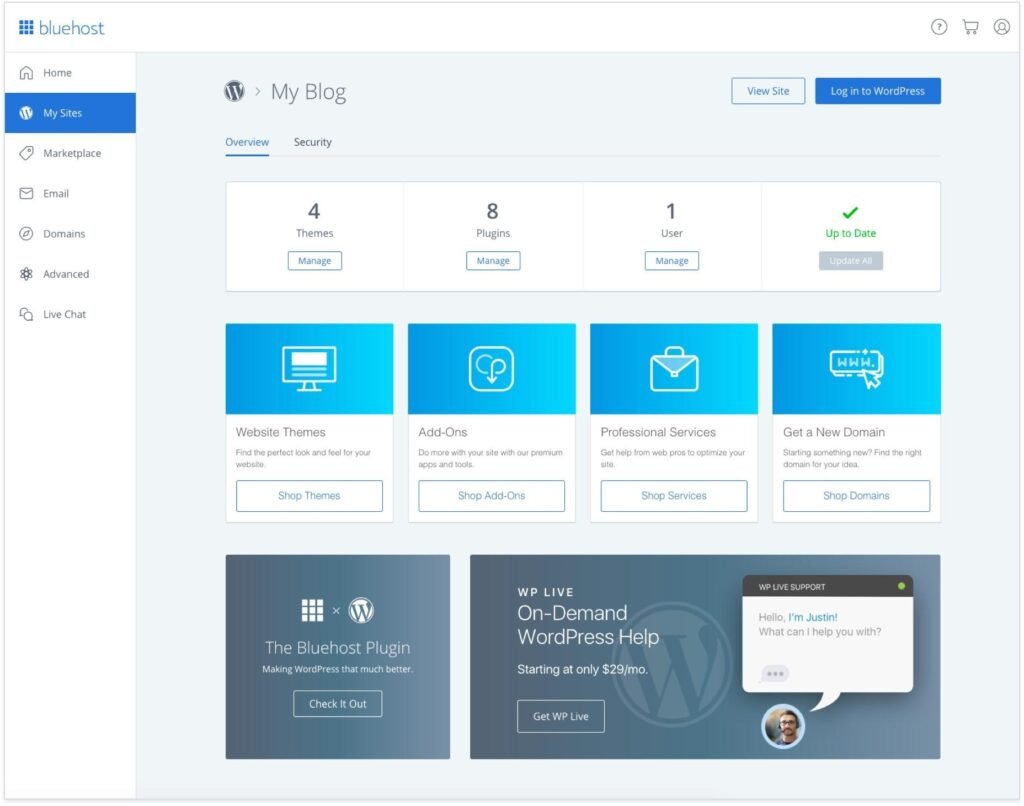
Bluehost for WordPress
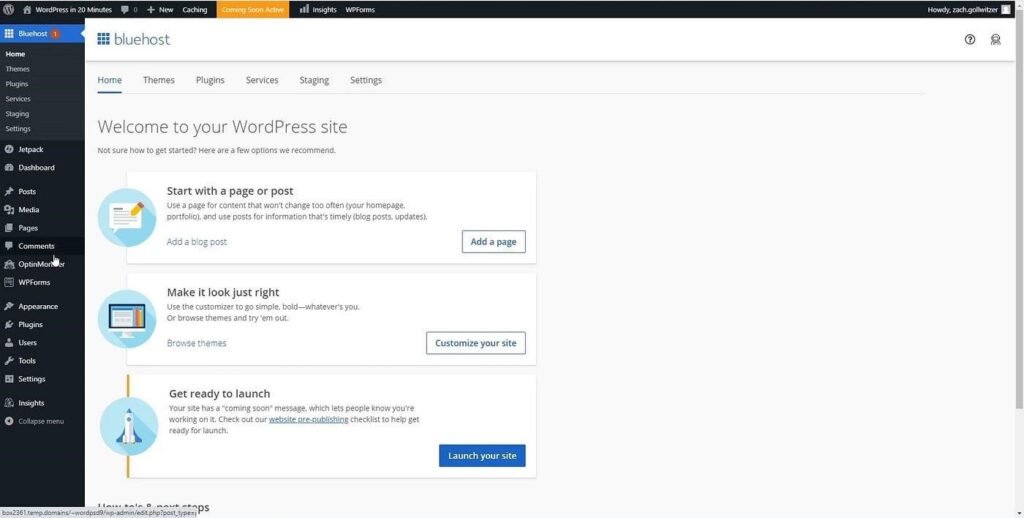
Bluehost’s current WordPress hosting includes:
- Managed WordPress updates
- AI website creation tools
- Free SSL
- Free migration tools
- CDN
- Security features
- Backups
- WordPress-focused support
- Staging on eligible plans
Bluehost also emphasizes its long-standing relationship with WordPress.org.
Winner for WordPress?
It’s a close decision.
For someone who wants a simple, affordable starting point, Hostinger is extremely attractive.
For someone who wants a long-established WordPress-focused provider with a broad set of WordPress tools, Bluehost is also a very strong option.
Hostinger vs Bluehost for Beginners
If you’ve never built a website before, ease of use matters enormously.
You don’t want to spend your first week trying to understand complicated server settings.
You want to:
- Buy your domain.
- Connect your hosting.
- Install WordPress.
- Choose a theme.
- Build your website.
- Publish your first article.
Both Hostinger and Bluehost are designed to make this process easier.
Hostinger
Hostinger’s hPanel is designed to give users a centralized interface for managing websites, domains, databases and other hosting features.
Its AI tools can also help beginners with website creation and management.
Bluehost
Bluehost provides WordPress-focused onboarding and AI-powered website creation tools designed to help users get a website online without needing advanced coding knowledge.
My beginner verdict
Both are beginner friendly.
If you’re completely new to WordPress, either provider can be a good starting point.
Hostinger vs Bluehost Performance
Website performance matters.
A slow website can create a poor user experience, especially for visitors using mobile devices or slower connections.
It can also make it harder to provide a good overall page experience.
However, don’t make the mistake of thinking that buying a particular hosting company automatically makes your website fast.
Your website’s performance also depends on:
- Your theme
- Plugins
- Images
- JavaScript
- CSS
- Database size
- Caching
- CDN
- Website design
- Server location
- Traffic levels
Hostinger uses LiteSpeed infrastructure and offers caching and CDN features on eligible plans.
Bluehost also provides CDN, caching and performance-oriented features on its current WordPress plans.
The important lesson
Good hosting + a well-built website = better performance.
Don’t install 50 unnecessary WordPress plugins and then blame your hosting company for a slow website.
Hostinger vs Bluehost Security
Website security should be a priority from day one.
Both companies provide security features designed to protect websites.
Depending on the plan, these can include:
- SSL certificates
- Malware scanning
- Firewalls
- DDoS protection
- Backups
- Security monitoring
- Automatic updates
Bluehost’s current WordPress plans include SSL, malware scanning and other security features, while higher plans add additional malware detection and removal capabilities.
Hostinger also provides SSL, security protections, backups and other security features across its hosting offerings, with some features varying by plan.
Important
No hosting company can replace good website security practices.
You should still:
- Use strong passwords.
- Keep WordPress updated.
- Keep plugins updated.
- Keep themes updated.
- Use reputable plugins.
- Back up your website.
- Avoid pirated themes and plugins.
Hostinger vs Bluehost Customer Support
When you’re a beginner, support can be extremely important.
Imagine your website suddenly stops working at 11 PM.
You don’t want to spend six hours trying to figure out what happened.
Both Hostinger and Bluehost advertise 24/7 support. Hostinger emphasizes 24/7 expert support, while Bluehost provides 24/7 support through chat and, on relevant plans, phone support.
The quality of support can vary depending on the problem and the individual support interaction, so it’s worth considering the support channels available on the exact plan you’re purchasing.
Hostinger vs Bluehost Website Migration
Already have a website?
You don’t necessarily need to start from scratch.
Both providers offer migration tools or services.
Hostinger promotes free website migration, while Bluehost also provides site migration tools on its current WordPress hosting plans.
Migration can be particularly useful if you’re unhappy with your current host and want to move your WordPress website somewhere else.
Hostinger vs Bluehost for SEO
Here’s something important:
Your hosting company does not automatically make your website rank #1 on Google.
There is no hosting provider that can guarantee first-place Google rankings.
Your SEO success depends on many factors, including:
- Helpful content
- Search intent
- Website structure
- Internal linking
- Page experience
- Technical SEO
- Backlinks
- Reputation
- Originality
- Competition
- Search demand
Google’s own SEO guidance emphasizes creating helpful, reliable, people-first content and using the words people actually search for in natural, descriptive places on your pages.
So whether you choose Hostinger or Bluehost, you still need to build a genuinely useful website.
Which Hosting Is Better for a Blog?
If you’re starting a blog, both Hostinger and Bluehost can work well.
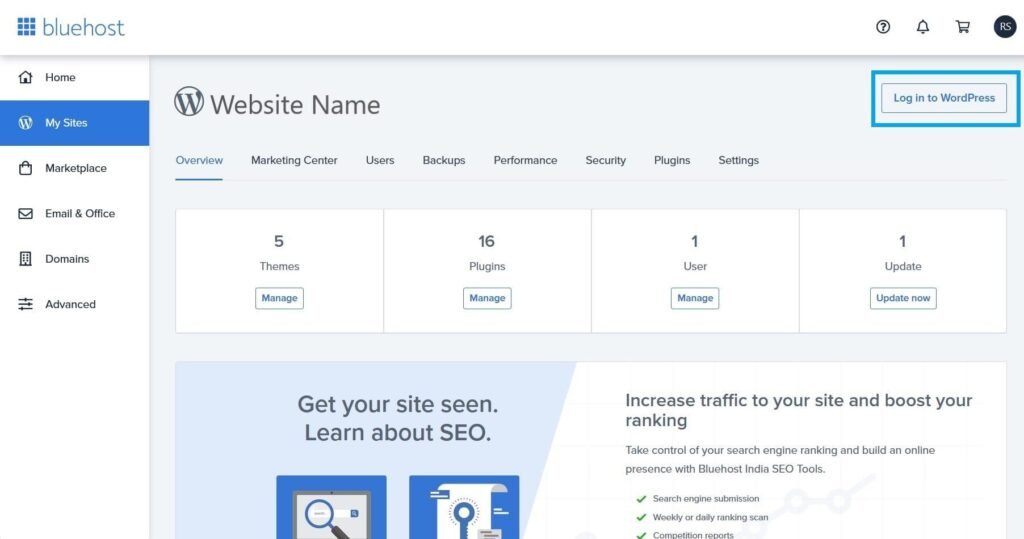
For a beginner blog, you should prioritize:
- Reliable hosting
- WordPress compatibility
- SSL
- Backups
- Good performance
- Easy management
- Affordable long-term costs
- Good support
Hostinger is particularly appealing if you’re looking for a budget-friendly starting point with modern AI and website-building tools.
Bluehost is attractive if you want a long-established WordPress hosting brand with a strong WordPress ecosystem.
Which Hosting Is Better for a Small Business?
For a small business website, both can be excellent choices.
A typical small business website might contain:
- Home
- About
- Services
- Contact
- Blog
- Testimonials
- Gallery
- Booking system
You don’t necessarily need an expensive dedicated server to run this type of website.
A good WordPress hosting package is usually enough when you’re starting.
As your traffic increases, you can upgrade your hosting resources.
Which Hosting Is Better for an Online Store?
If you’re building an online store, hosting requirements become more important.

You’ll need to consider:
- WooCommerce compatibility
- Performance
- Security
- Backups
- Database resources
- Payment processing
- SSL
- Scalability
Both Hostinger and Bluehost provide options for WordPress and WooCommerce websites.
Bluehost’s current WordPress plans include an eCommerce-focused option with WooCommerce features and additional commerce tools.
Hostinger also provides WordPress hosting and integrated eCommerce features on its current hosting plans.
For a serious online store, however, don’t choose hosting purely because it is cheap.
Your hosting should be able to support your expected traffic, product catalog, transactions and future growth.
Hostinger vs Bluehost: Pros and Cons
Hostinger Pros
Affordable entry point
Hostinger is known for competitive introductory pricing.
Beginner-friendly
Its hPanel interface is designed to simplify hosting management.
AI tools
Hostinger has invested heavily in AI-powered website creation and WordPress management tools.
WordPress focused
Hostinger offers managed WordPress hosting with performance, security and maintenance features.
Global infrastructure
Hostinger offers multiple server locations and CDN options to help serve visitors in different regions.
Hostinger Cons
- Promotional pricing can be much lower than renewal pricing.
- Some advanced AI and performance features require higher plans.
- Plan limits differ significantly between tiers.
Bluehost Pros
Long WordPress history
Bluehost has been recommended by WordPress.org since 2005.
Beginner friendly
The platform is designed to help users launch WordPress websites without advanced technical knowledge.
AI website tools
Bluehost provides AI-powered tools for website creation.
Strong WordPress ecosystem
Bluehost provides WordPress-focused tools including managed updates, staging and SEO-related features on eligible plans.
24/7 support
Bluehost provides 24/7 support, with chat and phone support available according to plan.
Bluehost Cons
- Introductory pricing and renewal pricing can differ significantly.
- Some advanced security and management features require higher-tier plans.
- Beginners should compare the exact plan limits before purchasing.
Hostinger vs Bluehost: My Verdict
So, which one should you choose?
Here’s my simple recommendation.
Choose Hostinger if:
You want an affordable, modern and beginner-friendly hosting platform with AI tools, WordPress support and an easy-to-use control panel.
Hostinger is an excellent choice for beginners, bloggers, freelancers and small businesses.
Choose Bluehost if:
You want a long-established WordPress hosting provider with strong WordPress integration, AI website-building tools, support and a broad range of hosting options.
Bluehost is an excellent choice for beginners who want to build with WordPress and potentially grow their website over time.
If I had to choose for a brand-new beginner website?
I’d give Hostinger a slight edge for value and simplicity.
But that doesn’t mean Bluehost is bad.
Far from it.
Both are legitimate options, and both are currently featured on WordPress.org’s recommended hosting page.
Your final decision should come down to the exact plan, renewal cost, features and type of website you’re building.
Frequently Asked Questions
Is Hostinger better than Bluehost?
Not for everyone. Hostinger can be particularly attractive for beginners looking for value and simplicity, while Bluehost has a long WordPress history and a strong set of WordPress-focused tools.
Is Bluehost good for beginners?
Yes. Bluehost is designed to make WordPress website creation accessible to beginners and provides tools such as AI website creation, WordPress hosting and 24/7 support.
Is Hostinger good for WordPress?
Yes. Hostinger offers managed WordPress hosting, automatic updates, performance features, security tools, migration options and AI-powered tools. It is also listed on WordPress.org’s recommended hosting page.
Which is cheaper, Hostinger or Bluehost?
The answer depends on the plan, subscription term and current promotion. Don’t compare only the advertised introductory price. Always check the renewal price and what’s included.
Can I use WordPress with Hostinger?
Yes. Hostinger offers WordPress hosting and tools specifically designed for WordPress websites.
Can I use WordPress with Bluehost?
Yes. WordPress is one of Bluehost’s major areas of focus, and Bluehost offers managed WordPress hosting and WordPress-specific tools.
Do Hostinger and Bluehost provide SSL?
Yes. Both currently include SSL on their relevant hosting plans.
Can I move my website from another hosting company?
Yes. Both Hostinger and Bluehost provide migration options, although the exact process and included services depend on the plan.
Does hosting affect SEO?
Hosting can influence technical aspects such as performance, uptime and server responsiveness, but hosting alone does not guarantee Google rankings. Your content quality, website structure, search intent and overall SEO strategy are much more important.
Which hosting is best for a new website?
For most beginners, either Hostinger or Bluehost can be a good starting point. Choose based on your budget, required features, renewal costs, support preferences and the type of website you want to build.
Final Thoughts: Hostinger or Bluehost?
Choosing web hosting is one of the first major decisions you’ll make when building a website.
Fortunately, you don’t need to overcomplicate it.
Hostinger and Bluehost are both strong options for beginners.
Hostinger stands out for its combination of affordability, simplicity, WordPress hosting and AI-powered tools.
Bluehost stands out for its long WordPress history, beginner-friendly setup, WordPress-focused features and broad hosting ecosystem.
The most important thing is to choose a hosting provider that fits your website, not simply the provider with the biggest advertisement or cheapest promotional price.
Once you’ve chosen your hosting, the real work begins.
Build a fast website.
Create useful content.
Help your visitors solve real problems.
Keep your website secure.
Learn SEO.
Keep improving.
And most importantly, don’t build a website just to get traffic.
Build a website that deserves the traffic.
Ready to Build Your Website?
If you’re just getting started with WordPress, check out our other guides on WordPress themes, website design, SEO, AI tools and digital marketing here at Digital Success Hub.
We’re building Digital Success Hub to help beginners learn digital skills, build websites, grow online businesses and make better use of modern technology.
Learn. Build. Grow. Succeed.
Disclosure
This article is intended to provide general educational information. Hosting companies, plans, features and prices can change. Always verify current pricing, terms and features on the provider’s official website before purchasing.
If Digital Success Hub uses affiliate links for any hosting provider mentioned in this article, we may earn a commission when a reader makes a qualifying purchase through those links. This does not increase the reader’s purchase price.