
Working with PDF files is something almost everyone eventually needs to do.
Whether you’re a student filling out documents, a freelancer signing contracts, a business owner editing proposals, or a professional managing important paperwork, having a reliable PDF editor can save a lot of time.
That’s where PDF Expert comes in.
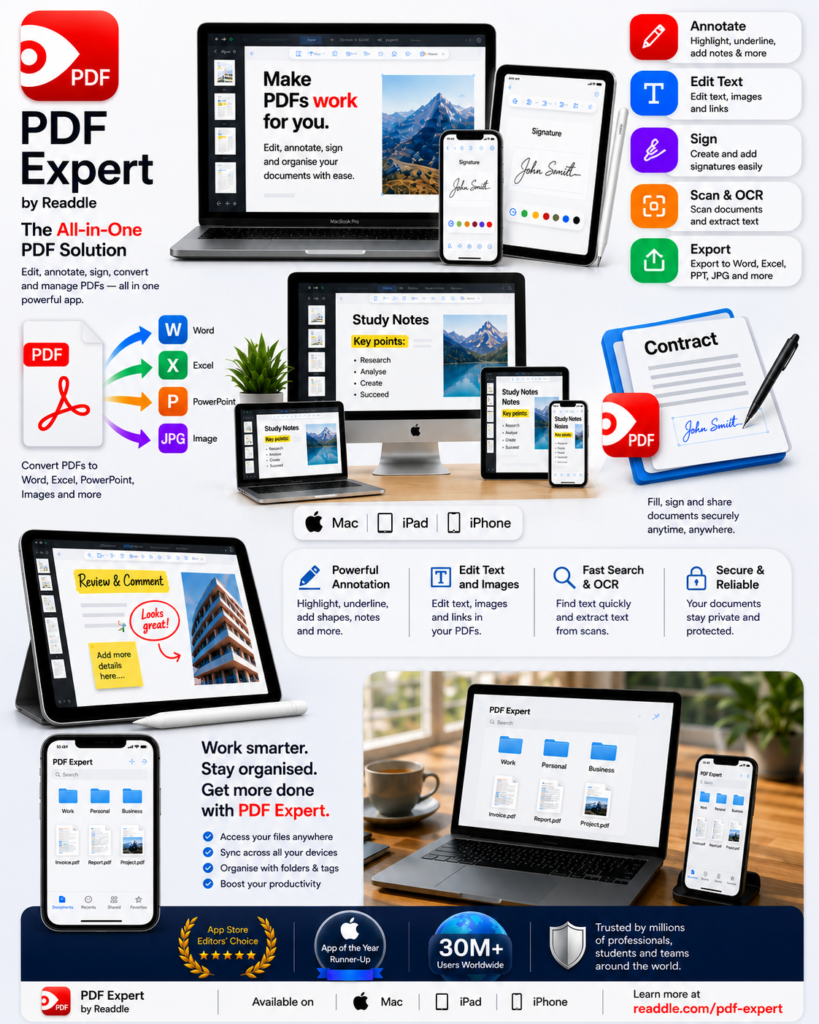
PDF Expert is a PDF editing and document management application designed for Mac, iPad and iPhone. It is developed by Readdle and has become a popular choice among Apple users who want more control over their PDF documents.
The software has been used by more than 30 million users, and it has received recognition from Apple’s App Store editorial team, including being named an Editor’s Choice app and an App of the Year Runner-up.
But is PDF Expert actually worth using?
In this guide, we’ll look at what PDF Expert does, its key features, who it’s designed for, its advantages and disadvantages, and whether it could be the right PDF solution for you.
Affiliate Disclosure: This article may contain affiliate links. If you purchase a product through one of our links, Digital Success Hub may earn a commission at no additional cost to you.
What Is PDF Expert?
PDF Expert is a PDF editor and document management application created by Readdle.
It allows users to work with PDF documents directly from Apple devices.
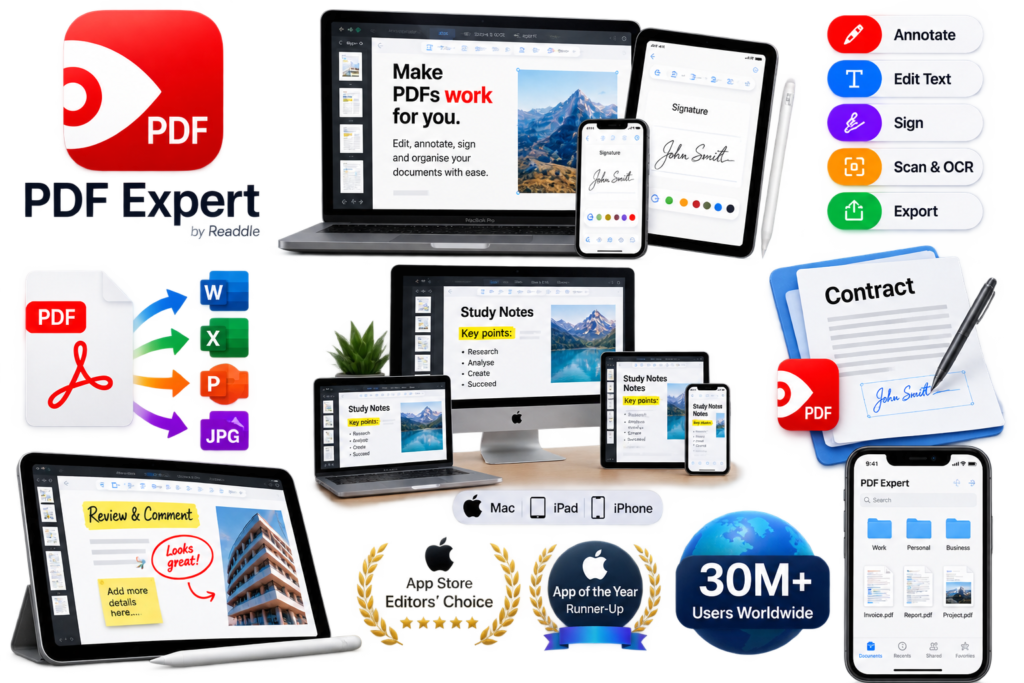
Instead of simply viewing PDFs, users can perform tasks such as:
- Edit PDF text
- Add annotations
- Highlight information
- Fill out forms
- Sign documents
- Organise PDF files
- Add notes
- Edit documents
- Manage pages
- Work with PDFs across Apple devices
This makes it particularly useful for people who regularly work with documents.
Why Do You Need a PDF Editor?
You might be wondering:
“Why would I need a PDF editor when I can already open PDFs?”
There’s a big difference between reading a PDF and working with a PDF.
A basic PDF reader allows you to open and view a document.
A PDF editor can allow you to modify, annotate, sign and organise documents.
Imagine receiving a contract by email.
You might need to:
- Open the document.
- Read it.
- Add comments.
- Fill in your details.
- Sign it.
- Save the completed document.
- Send it back.
A dedicated PDF application can make this workflow much easier.
PDF Expert Features
Let’s look at some of the features that make PDF Expert interesting.
1. Edit PDF Documents
One of the main reasons people look for a PDF editor is the ability to modify documents.
PDF Expert allows users to work with PDF content rather than simply viewing it.
This can be useful when correcting information, updating documents or making changes to existing PDFs.
For example, a business might need to update a proposal before sending it to a customer.
Instead of rebuilding the entire document, a PDF editor may allow the necessary changes to be made directly.
2. Annotate PDFs
PDFs are often used for reviewing documents.
Students might highlight study material.
Employees might review reports.
Businesses might comment on contracts.
PDF Expert provides annotation tools that allow users to mark up documents.
You can use annotations for:
- Highlighting
- Notes
- Comments
- Markups
- Drawing
- Reviewing documents
This makes it useful for collaborative workflows.
3. Fill Out PDF Forms
Many organisations still use PDF forms.
Examples include:
- Application forms
- Business documents
- Registration forms
- Agreements
- Questionnaires
- Administrative documents
A PDF editor can make filling out these documents significantly easier.
Instead of printing the document, filling it out manually and scanning it again, you can complete the form digitally.
4. Sign Documents
Digital signatures have become increasingly common.
Businesses and freelancers frequently need to sign documents without physically printing them.
PDF Expert includes tools for working with electronic signatures.
This can be useful for:
- Contracts
- Agreements
- Business forms
- Freelance documents
- Applications
- Approvals
Being able to sign documents directly from an Apple device can save time.
5. Work Across Apple Devices
One of PDF Expert’s biggest advantages is its focus on the Apple ecosystem.
If you use:
Mac + iPad + iPhone
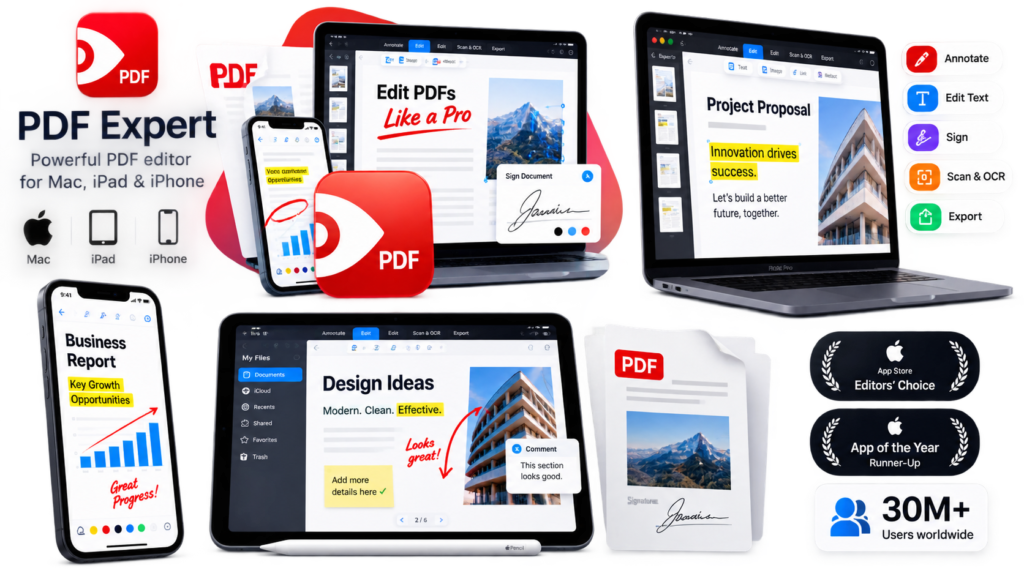
you can work with PDFs across your devices.
This can be particularly useful for people who regularly switch between a desktop computer and mobile devices.
For example:
You could start reviewing a document on your Mac and continue working with it on your iPad.
That type of workflow can be convenient for professionals who are constantly moving between devices.
6. PDF Organisation
As your collection of documents grows, managing PDFs can become difficult.
You may have:
- Contracts
- Receipts
- Reports
- Invoices
- School documents
- Business proposals
- Manuals
- Forms
A PDF management application can help you organise these documents more efficiently.
7. Useful for Students
Students work with PDFs constantly.
Textbooks, assignments, lecture notes and research papers are frequently distributed as PDF files.
PDF Expert can be useful for:
- Highlighting textbooks
- Adding notes
- Reviewing documents
- Reading research papers
- Organising study materials
- Annotating PDFs
For students who use Apple devices, having a dedicated PDF application can make studying more convenient.
8. Useful for Businesses
Businesses can also benefit from a professional PDF workflow.
Consider a small business owner who receives:
A contract → a proposal → an invoice → a customer form
Instead of printing everything, the business owner can manage documents digitally.
This can reduce unnecessary paperwork and make document management more efficient.
9. Useful for Freelancers
Freelancers often deal with documents such as:
- Client agreements
- Contracts
- Proposals
- Invoices
- Briefs
- Project documents
A PDF editor can become part of a freelancer’s everyday workflow.
For example, a freelance graphic designer could receive a client contract, review it, sign it and return it without printing anything.
10. Useful for Professionals on the Go
One of the biggest benefits of mobile PDF editing is convenience.
You don’t always have access to your desktop computer.
If you’re travelling or working remotely, you may still need to review or sign documents.
Being able to handle PDFs from an iPhone or iPad can be extremely useful.
PDF Expert Pros
✅ Advantages
Easy Apple integration
PDF Expert is designed specifically around Apple’s ecosystem.
Powerful PDF tools
It provides much more functionality than a basic PDF viewer.
Mobile support
You can work with PDFs on Mac, iPad and iPhone.
Document management
It can help you organise and work with large numbers of PDF files.
Professional workflow
It can be useful for businesses, freelancers and professionals who deal with documents regularly.
Established product
PDF Expert has a substantial user base and has received recognition through Apple’s App Store editorial features.
PDF Expert Cons
No software is perfect.
Here are some things you should consider before purchasing.
Apple-focused
If you primarily use Windows or Android devices, PDF Expert may not be the best option for you.
Its strongest advantage is its integration with Apple devices.
Premium features
Some advanced functionality may require a paid plan or purchase.
Other PDF editors exist
PDF Expert isn’t the only PDF solution available.
Depending on your needs, you may also want to compare it with alternatives such as Adobe Acrobat and other PDF editors.
PDF Expert vs Other PDF Editors
The best PDF editor depends on what you need.
| Feature | PDF Expert | Other PDF Editors |
|---|---|---|
| PDF reading | ✅ | ✅ |
| PDF editing | ✅ | ✅ |
| Annotations | ✅ | ✅ |
| Digital signatures | ✅ | ✅ |
| Mobile workflow | ✅ | Depends |
| Apple ecosystem | ⭐⭐⭐⭐⭐ | Depends |
| Business documents | ✅ | ✅ |
| Cross-platform use | Check current support | Depends |
Rather than choosing software based purely on popularity, think about your devices and workflow.
Who Should Use PDF Expert?
PDF Expert could be worth considering if you’re:
A student
For reading, highlighting and annotating PDFs.
A freelancer
For contracts, proposals and client documents.
A business owner
For managing business paperwork.
A professional
For reviewing and signing documents.
An Apple user
Especially if you regularly use Mac, iPad and iPhone.
Who Might Not Need PDF Expert?
You may not need a premium PDF application if you only:
- Read PDFs occasionally
- Download documents once in a while
- Never edit PDFs
- Never sign documents digitally
- Don’t work with many PDF files
In that situation, a basic PDF reader may be enough.
That’s an important consideration.
The best software isn’t necessarily the software with the most features. It’s the software that solves your problem.
Is PDF Expert Worth It?
For people who regularly work with PDF documents on Apple devices, PDF Expert is an interesting option.
Its combination of PDF editing, annotation, document management and mobile functionality makes it more than a basic PDF reader.
The biggest question is how frequently you work with PDFs.
If you only open a PDF once a month, you probably don’t need sophisticated PDF software.
But if you’re constantly dealing with:
- Contracts
- Forms
- Business documents
- Reports
- Proposals
- Study materials
then a dedicated PDF editor could save you significant time.
Final Verdict
⭐ Digital Success Hub Rating: 4.5/5
PDF Expert is a strong option for Apple users who want more control over their PDF documents.
Its biggest strength is its focus on the Mac, iPad and iPhone ecosystem, making it particularly attractive for people who use multiple Apple devices.
If you’re a student, freelancer, entrepreneur, business owner or professional who works with PDF documents regularly, PDF Expert is worth considering.
However, you should compare the current features and pricing with competing PDF editors before making your final decision.
Ready to Try PDF Expert?
If you regularly work with PDF documents on Mac, iPad or iPhone, you can learn more about PDF Expert and see its current features and pricing through the official website.
👉 Check out PDF Expert
Affiliate link — Digital Success Hub may earn a commission if you make a qualifying purchase.
Frequently Asked Questions
What is PDF Expert used for?
PDF Expert is used to read, edit, annotate, organise, fill out and work with PDF documents on supported Apple devices.
Is PDF Expert good for Mac?
PDF Expert is designed for Apple’s ecosystem and can be a useful option for Mac users who regularly work with PDF documents.
Can PDF Expert be used on iPhone?
PDF Expert is designed to support Apple’s mobile ecosystem, including iPhone and iPad.
Is PDF Expert free?
Availability of free features, subscriptions and pricing can change. Check the official PDF Expert website for the latest options.
Is PDF Expert better than Adobe Acrobat?
There isn’t a universal winner. PDF Expert may be particularly attractive to Apple users, while Adobe Acrobat has a broader cross-platform ecosystem. Compare the features you actually need before choosing.
Who is PDF Expert best for?
PDF Expert is particularly suitable for Apple users who regularly read, edit, annotate, sign or organise PDF documents.
Conclusion
PDF documents aren’t going away.
Businesses use them.
Students use them.
Freelancers use them.
Governments and organisations use them.
And as more work moves online, having efficient tools for managing documents becomes increasingly useful.
PDF Expert offers Apple users a practical way to work with their PDF documents across Mac, iPad and iPhone.
If you regularly deal with PDFs, it’s worth exploring.
Learn. Build. Grow. Succeed.